Cassette
A cassette deck for iPhone and Android that records meetings, lectures and memos, then writes the transcript, the notes and the follow-up email, never with an outside AI service.
| Name | Cassette (on the App Store as Cassette: AI Note Taker) |
| Category | Productivity (also Business) |
| Platform | iPhone, iPad, Apple Watch and Mac on the App Store, where one purchase covers all of them, and Android phones on Google Play (Android 10 or later). |
| Release | Released Sunday, September 27, 2026 |
| Latest version | 1.0.7, 13 October 2026: one-tap SEND TO Apple Notes, OneNote, Notion, Evernote and Google Keep |
| Price | Free to download. Recording is free and unlimited. Tapes under 3 minutes get their transcript and notes free, and longer ones get them free for 2 tapes a month. Cassette Premium is $1.99/week, $5.99/month, or $49.99/year with a 7-day free trial for new subscribers, or $79.99 once for Lifetime (US prices). One purchase covers iPhone, iPad and Mac |
| Developer | One Life, an independent studio. Cassette is A One Life Product |
| App Store | apps.apple.com/app/id6812001404 (live now) |
| Google Play | play.google.com/store/apps/details?id=app.cassette.deck (live now) |
| Website | onelifeco.app/cassette |
| Press contact | hello@onelifeco.app |
The one paragraph version
Many AI note takers are built around a bot that joins your video call, a web dashboard and a monthly allowance of minutes. Cassette is a cassette deck in your pocket. Press record for a meeting, a lecture, an interview or a voice memo, and when you stop, it writes a transcript with timestamps, a short summary, the highlights, the action items with owners and due dates, and a follow-up email for the people who came up. The transcript comes from Apple speech recognition. On an iPhone running iOS 27 with Apple Intelligence the notes are written by Apple's Private Cloud Compute, which keeps nothing it is sent; on every other iPhone they are written on the iPhone itself. Either way the audio itself is not sent to write the notes. A recording reaches our servers only if someone signs in with Premium to back it up. Recording is free and unlimited, with no minute meter.
Why it exists
A lot of the conversations worth keeping happen in rooms rather than on video calls, and what people need from them afterwards is small: what was decided, who is doing what, and by when. Cassette was built around that moment after the meeting. It takes the most familiar recording interface there is, a tape deck with keys you press, and puts the writing up behind the stop key instead of inside a dashboard.
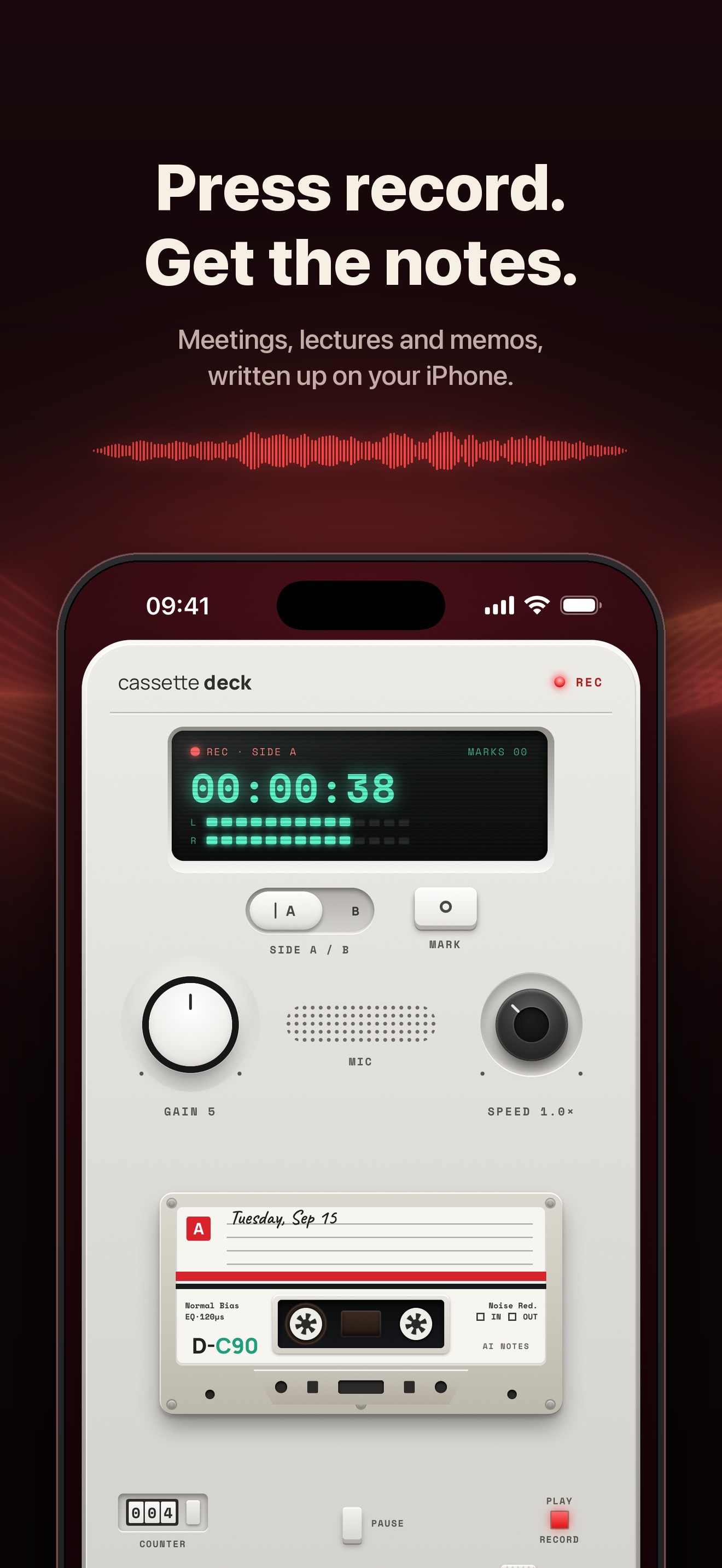
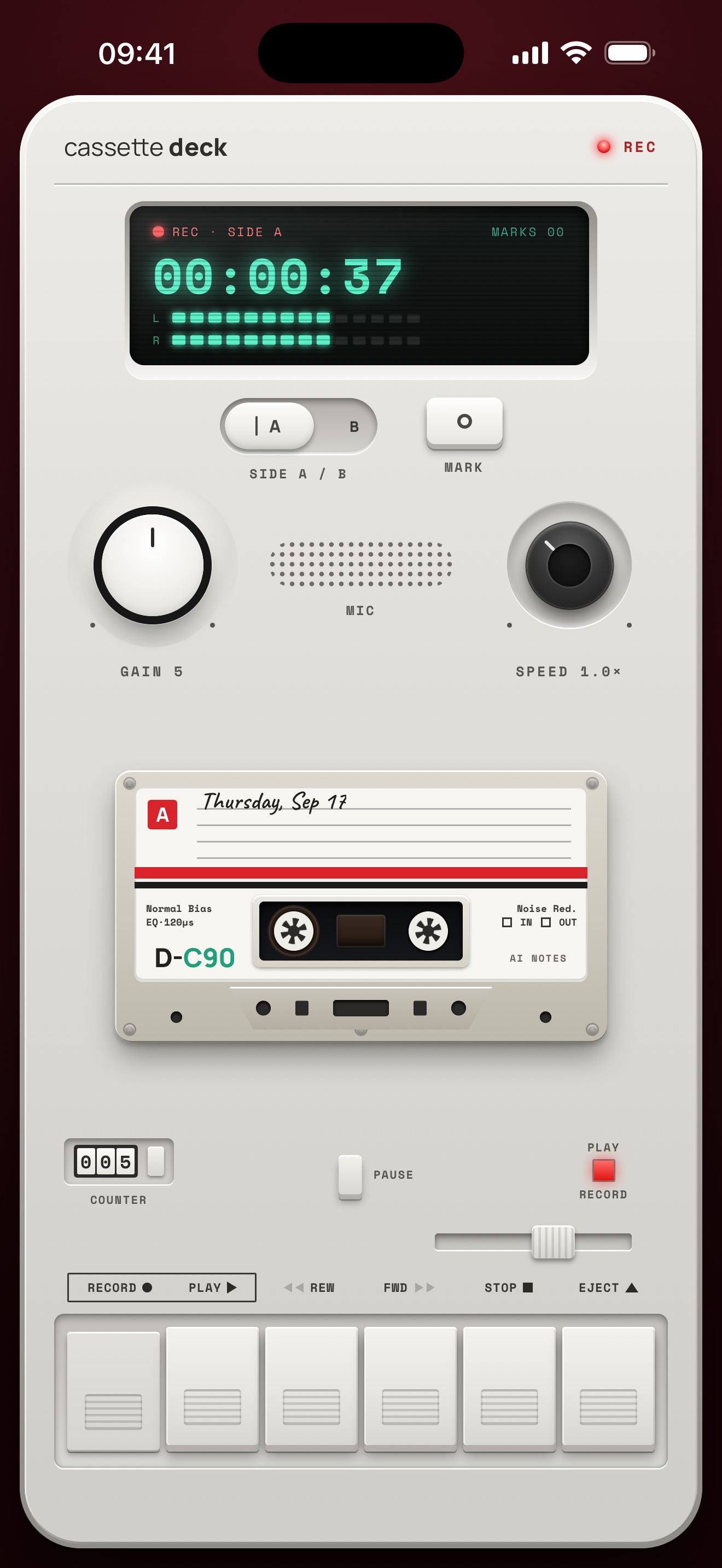
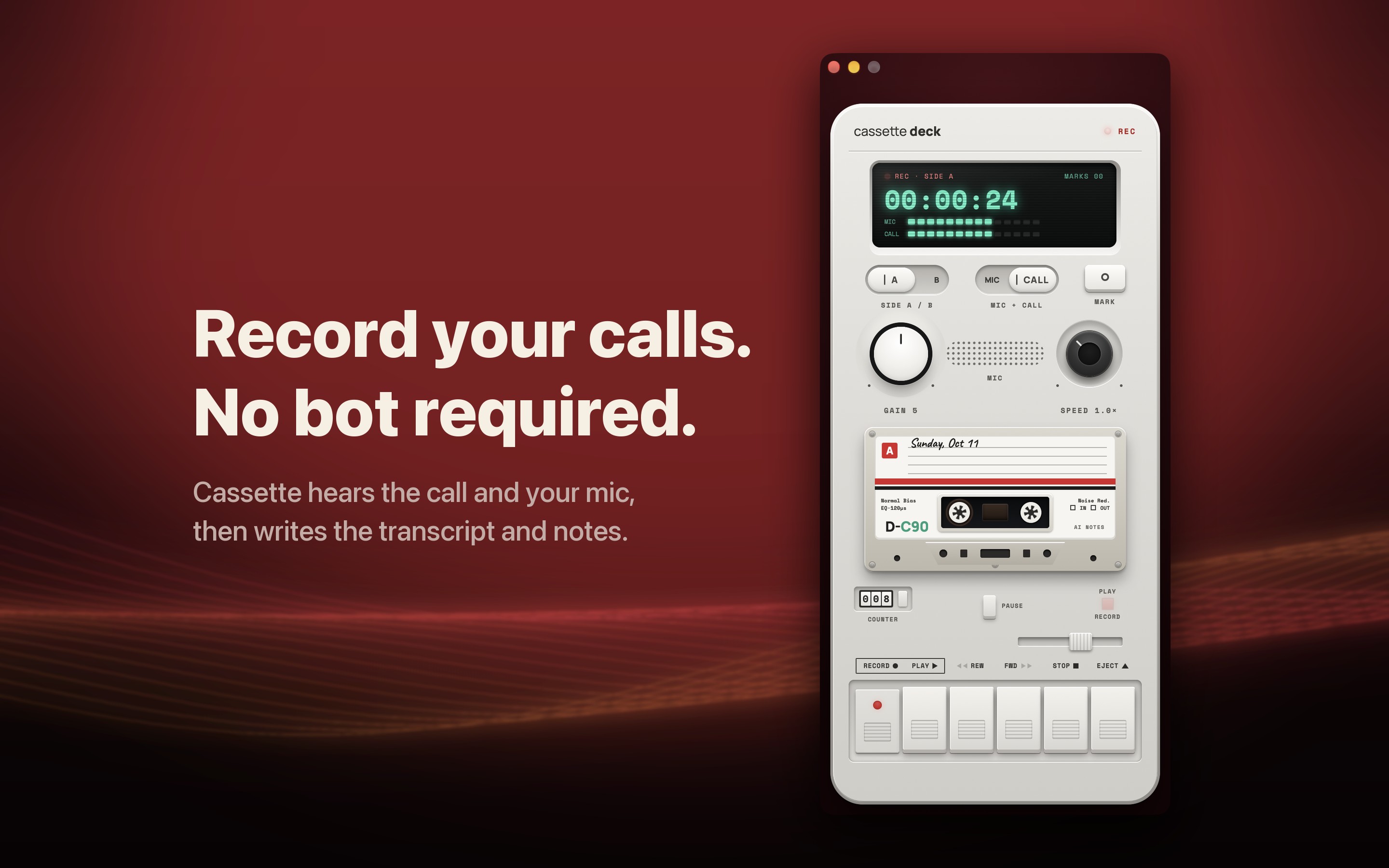
The design brief was an object rather than an app: piano keys that travel and latch, a tape counter, VU meters, side A and B and a speed knob, with haptics on every control and key sounds cut from a public-domain recording of a real cassette player. Press Mark while you record and that moment leads the highlights later.
What is actually different
The writing happens on the iPhone
Transcripts come from Apple speech recognition, on the device wherever the iPhone supports the language; otherwise that recording may be sent to Apple to transcribe. The notes come from Apple's own models on iPhones with Apple Intelligence: Private Cloud Compute on iOS 27, which keeps nothing it is sent, and the on-device model before that. Other iPhones get a simpler writer that runs on the device. One Life runs no server that processes recordings. A tape is only uploaded if its owner signs in with Premium, to back it up to their own account.
No minute meter
Recording is free and unlimited on every plan, however long the meeting. The free plan writes transcripts and notes for tapes under 3 minutes and for 2 longer tapes a month; Premium writes up every tape and backs up the shelf.
Built for the follow-up
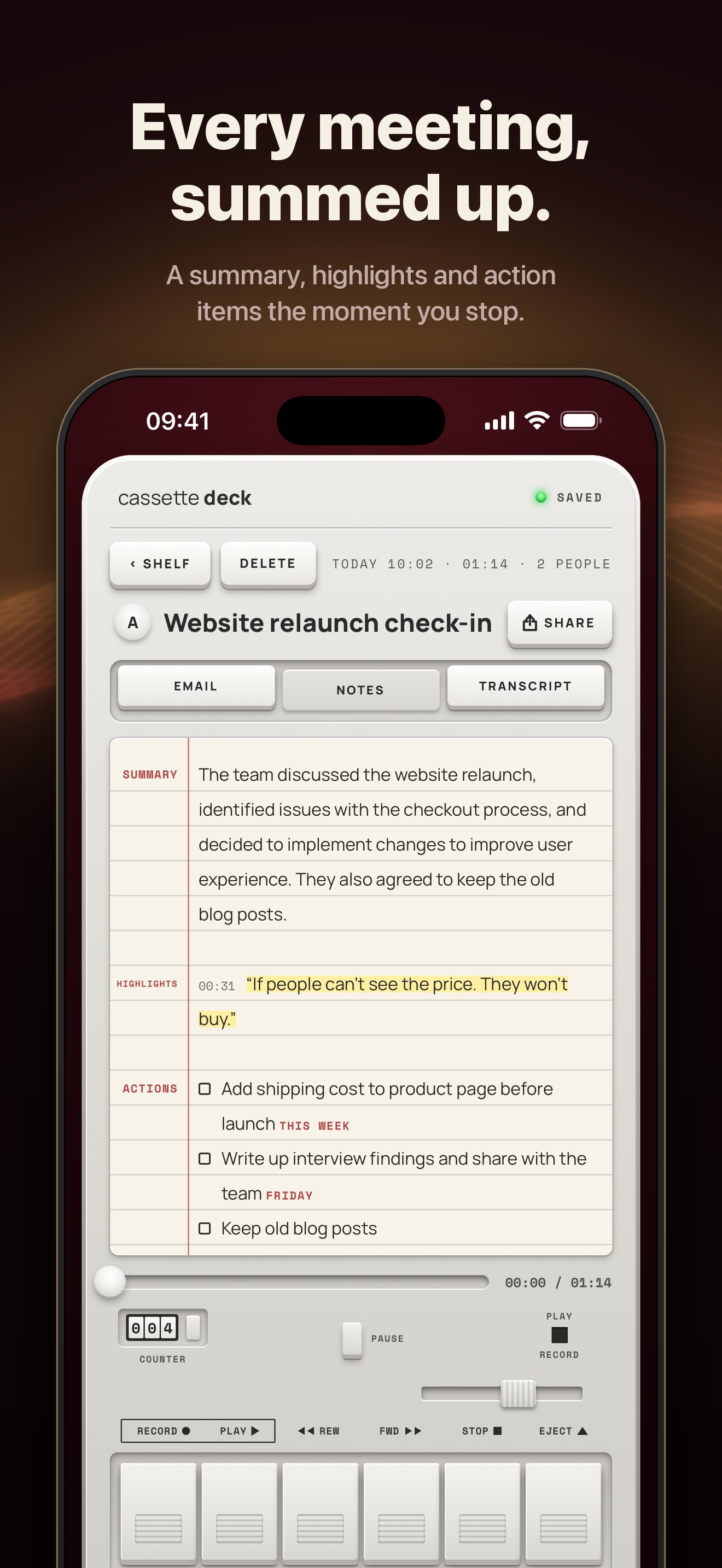
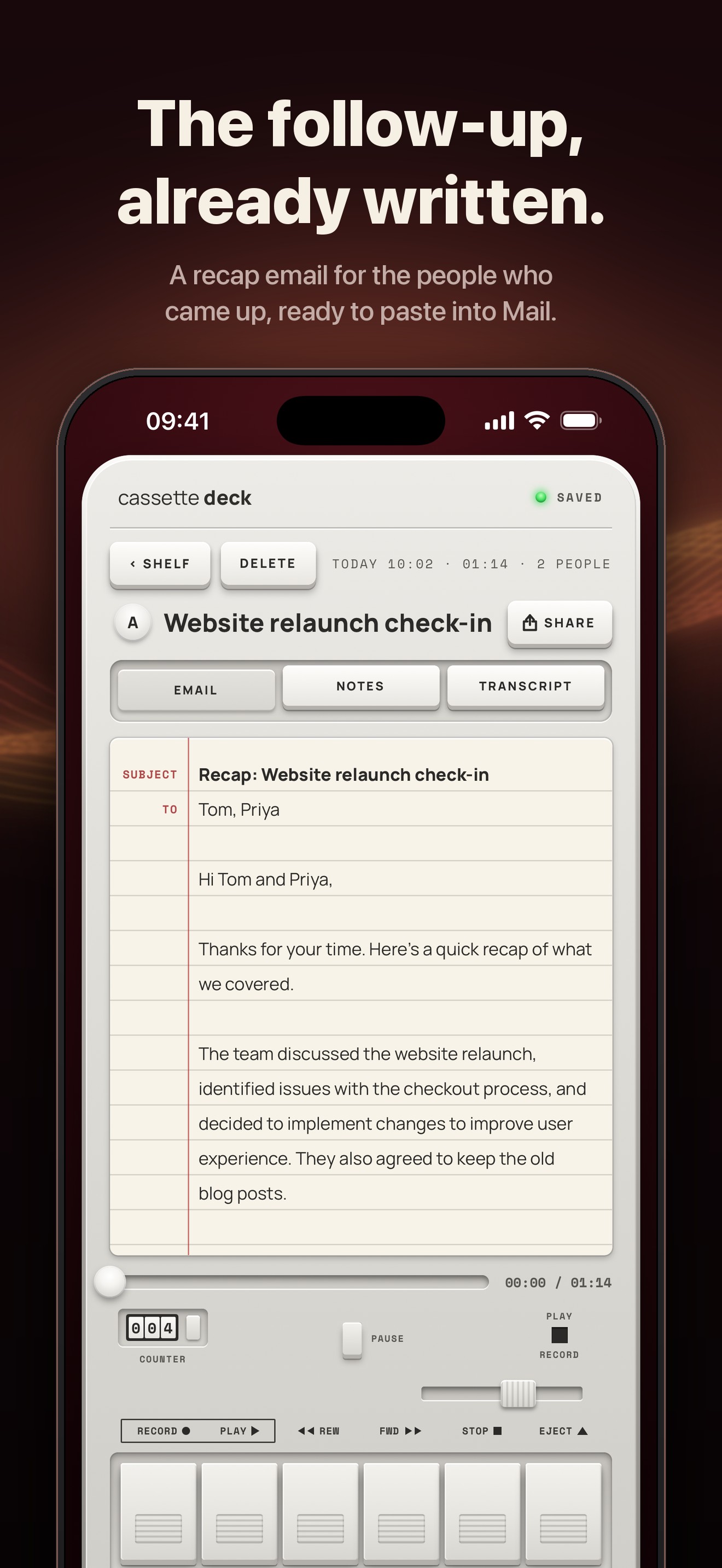
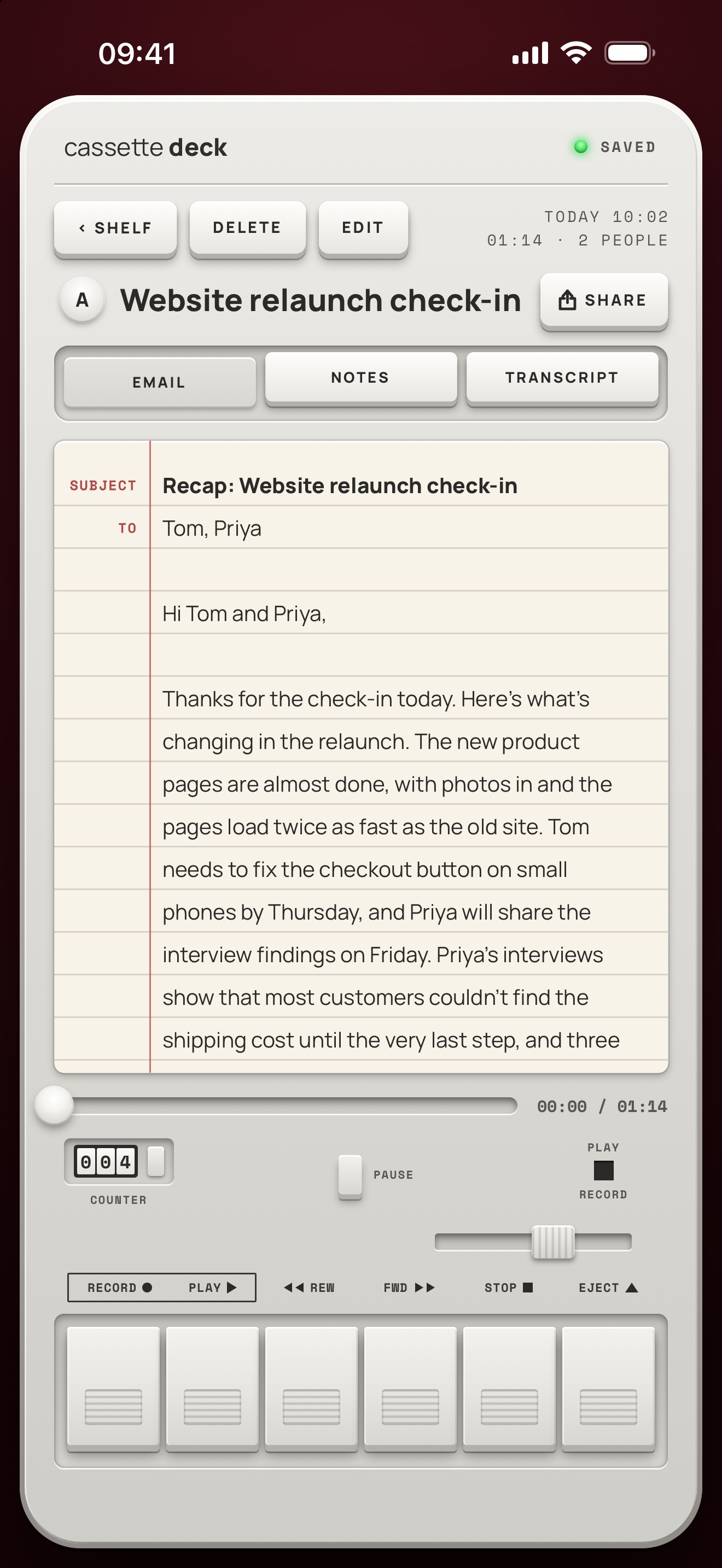
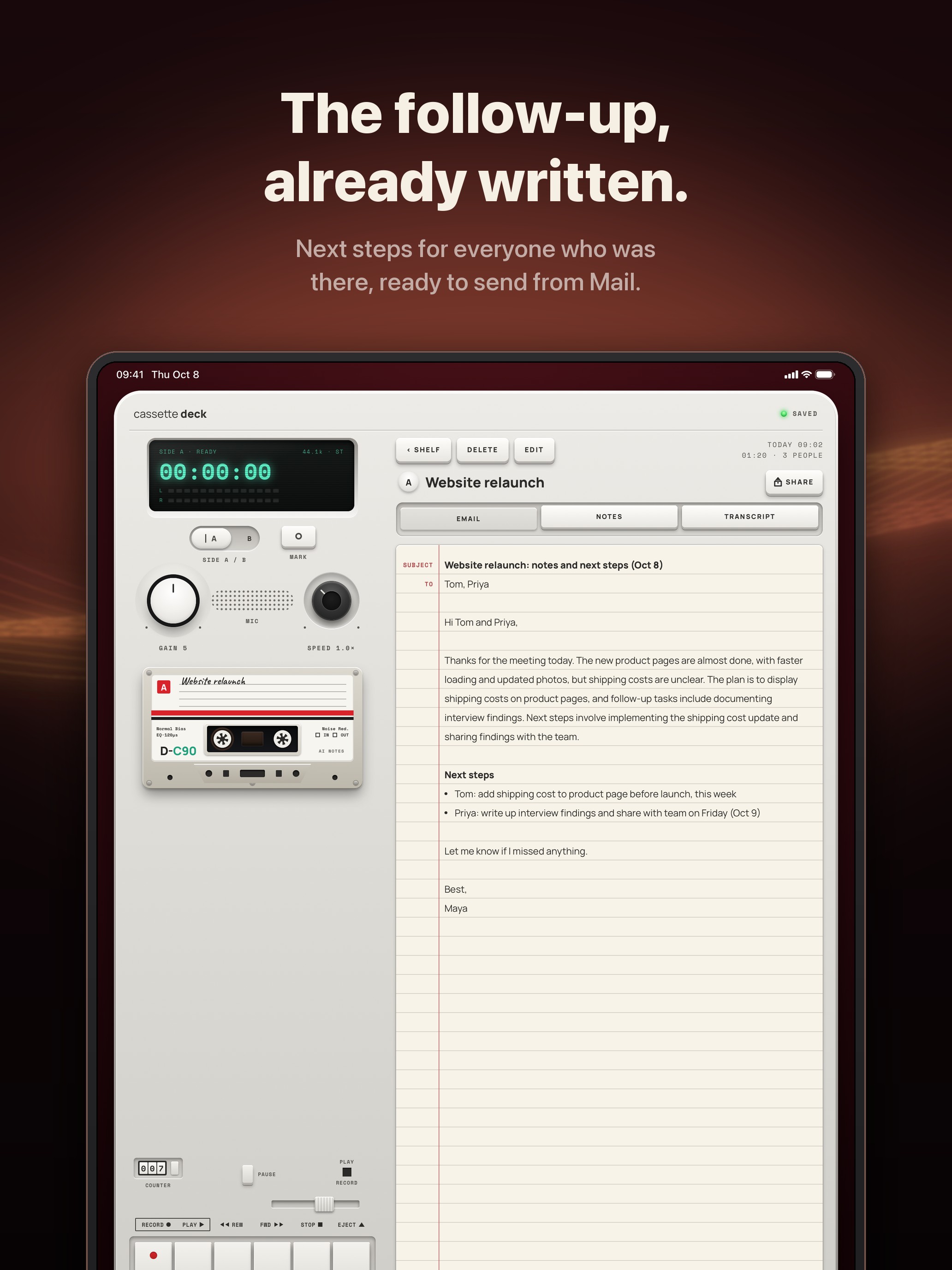
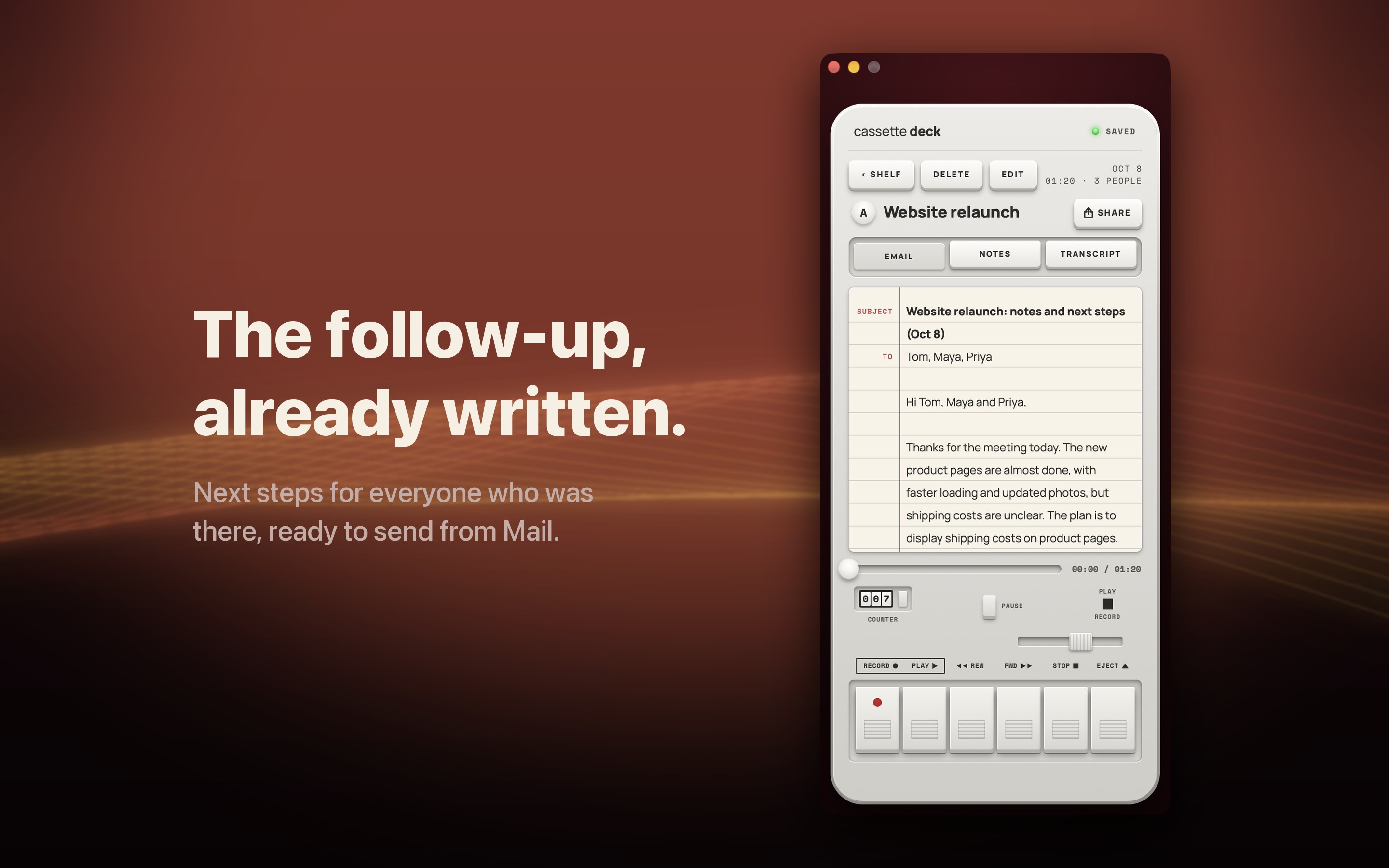
Every tape gets an email draft addressed to the people who were named, with a subject, a recap and the action items, ready to paste into Mail. Any tab can be copied in one tap or saved as a PDF or a Word document.
A lifetime option
$79.99 once, no renewal, alongside the weekly, monthly and annual plans. One purchase covers Cassette on iPhone, iPad and Mac.
On the Mac, nothing joins the call
Switch the deck to CALL and Cassette records what the Mac plays and the microphone together, so a Zoom, Meet or Teams call is captured the way you hear it. No bot joins the call and no picture is kept. Call recording needs macOS 15.2 or later.
Feature summary
- Records meetings, lectures, interviews and voice memos, and keeps recording with the screen locked; audio is saved every few seconds as it records
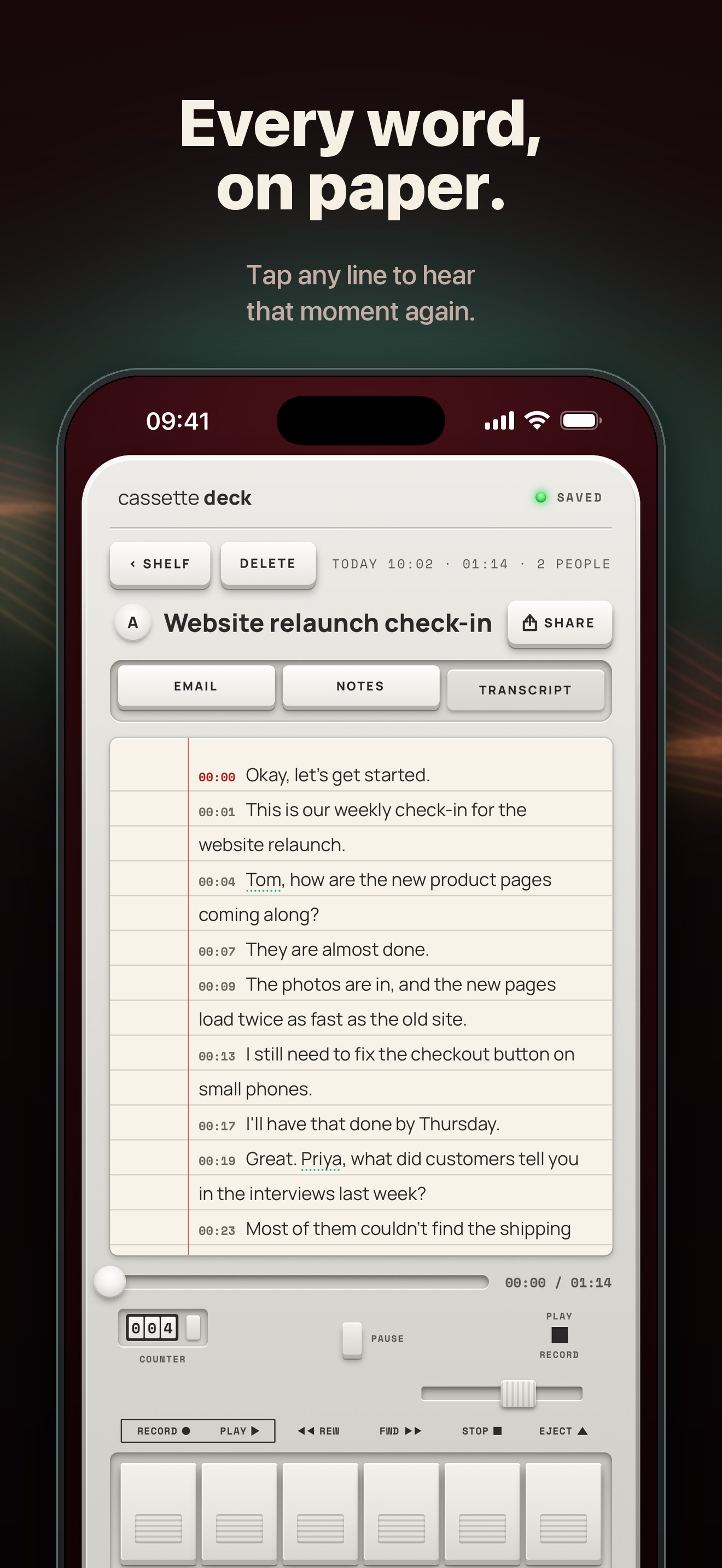
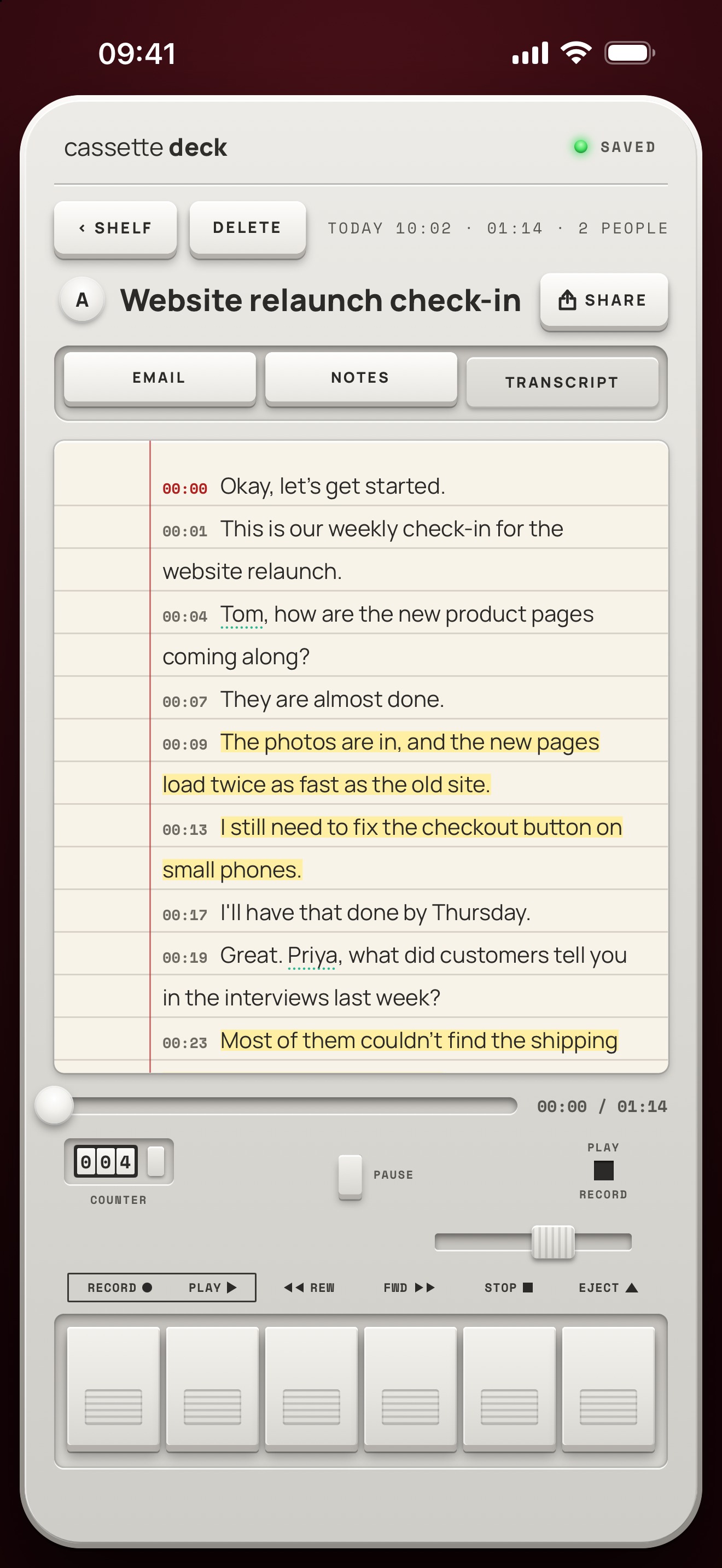
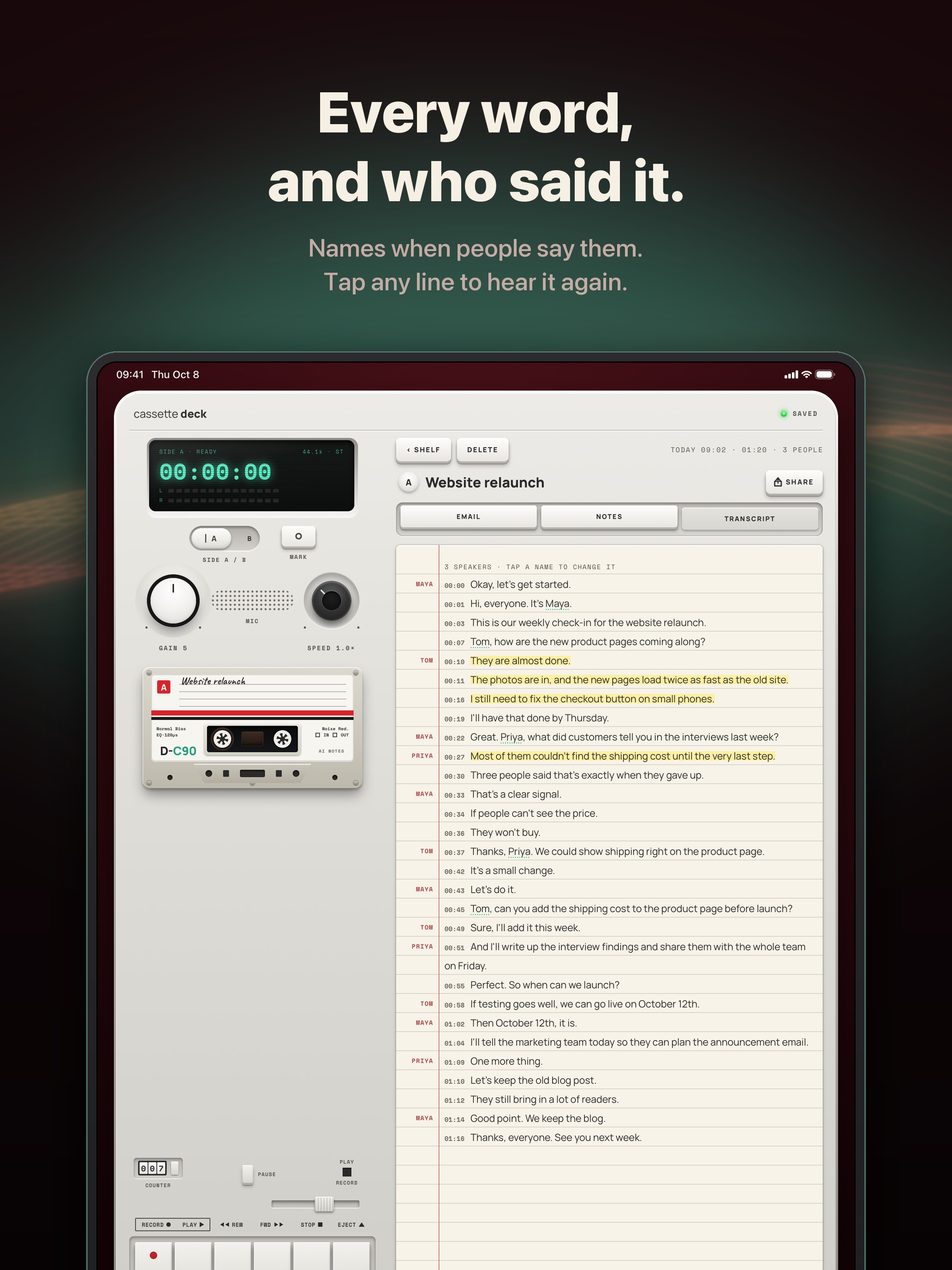
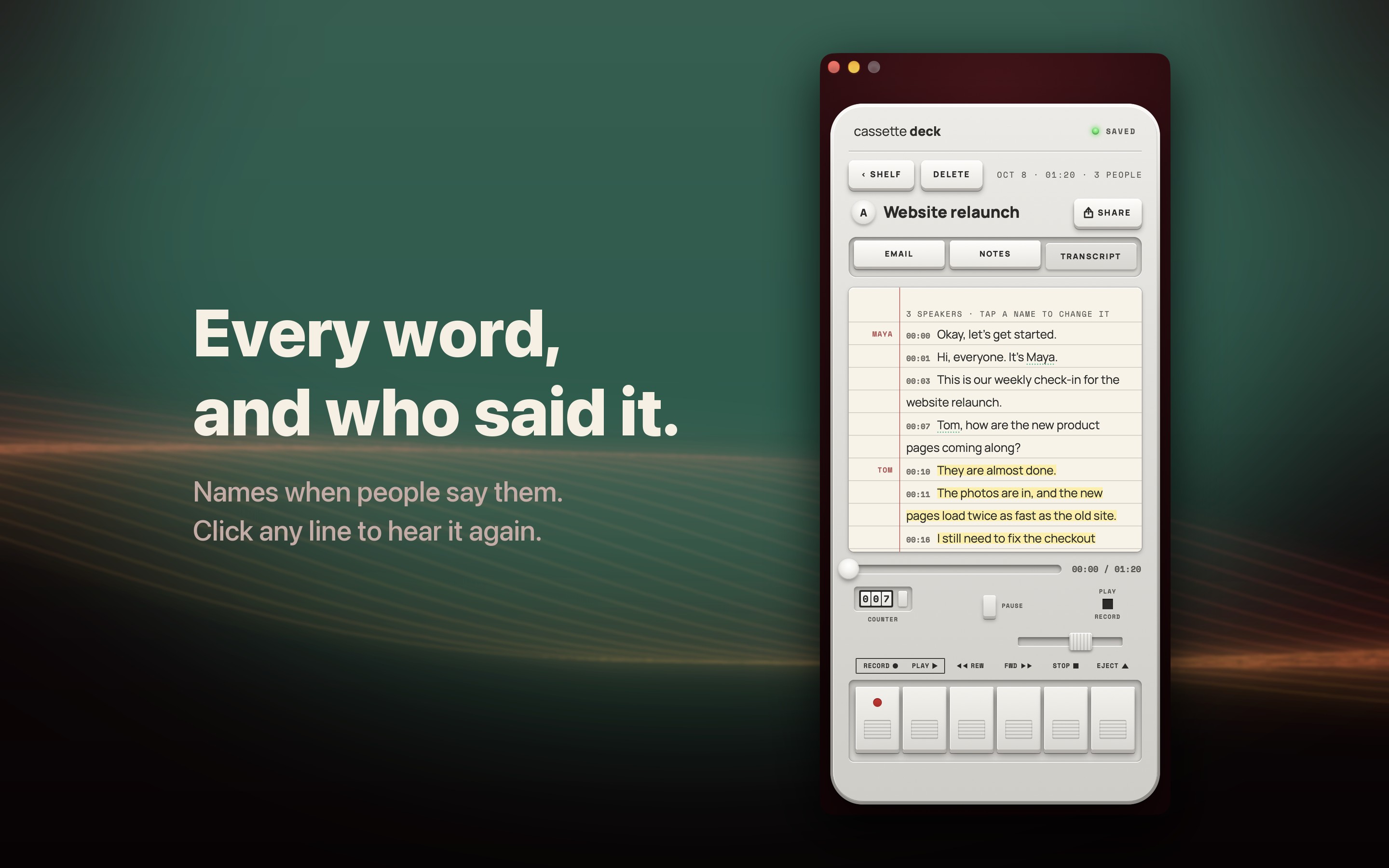
- Transcript with timestamps in the iPhone's language; tap any line to replay that moment, with the names people say picked out
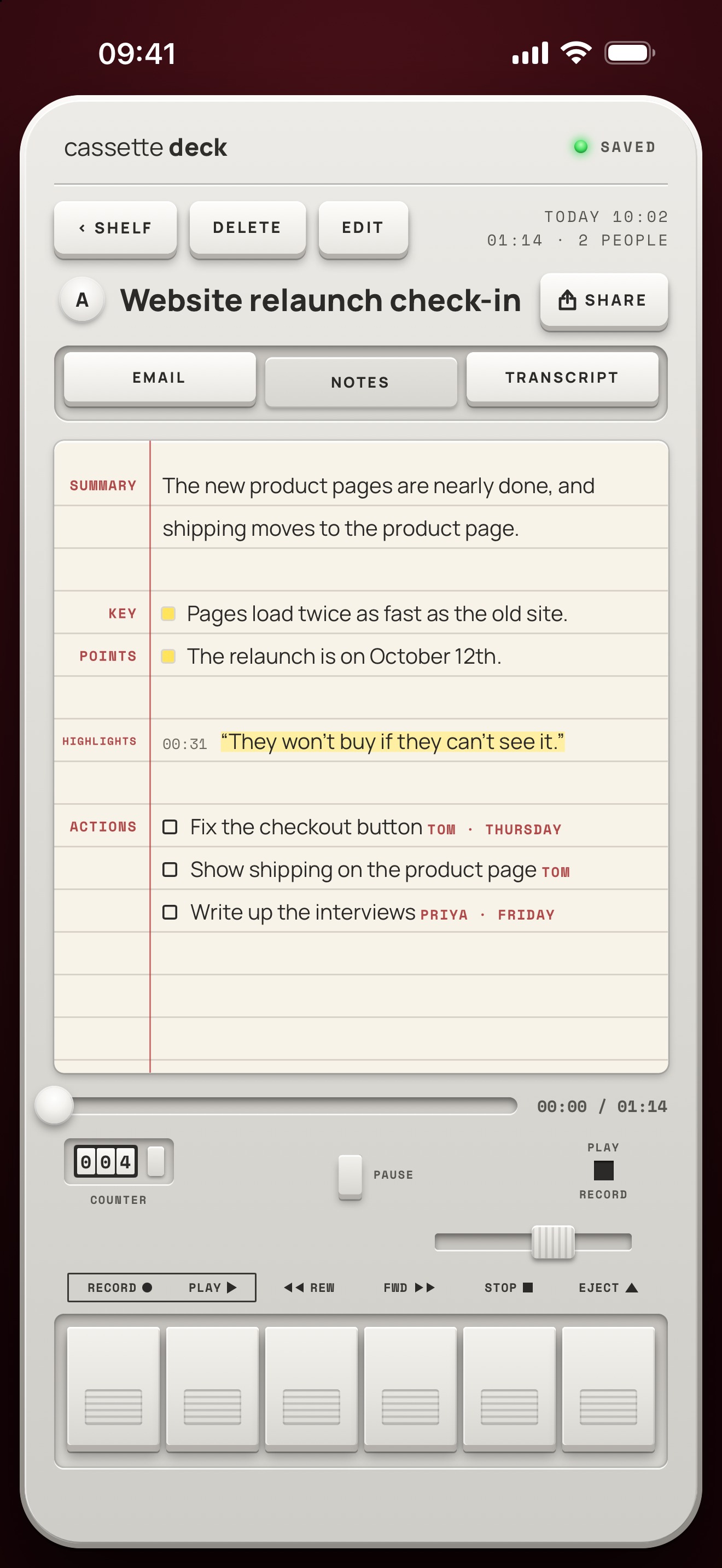
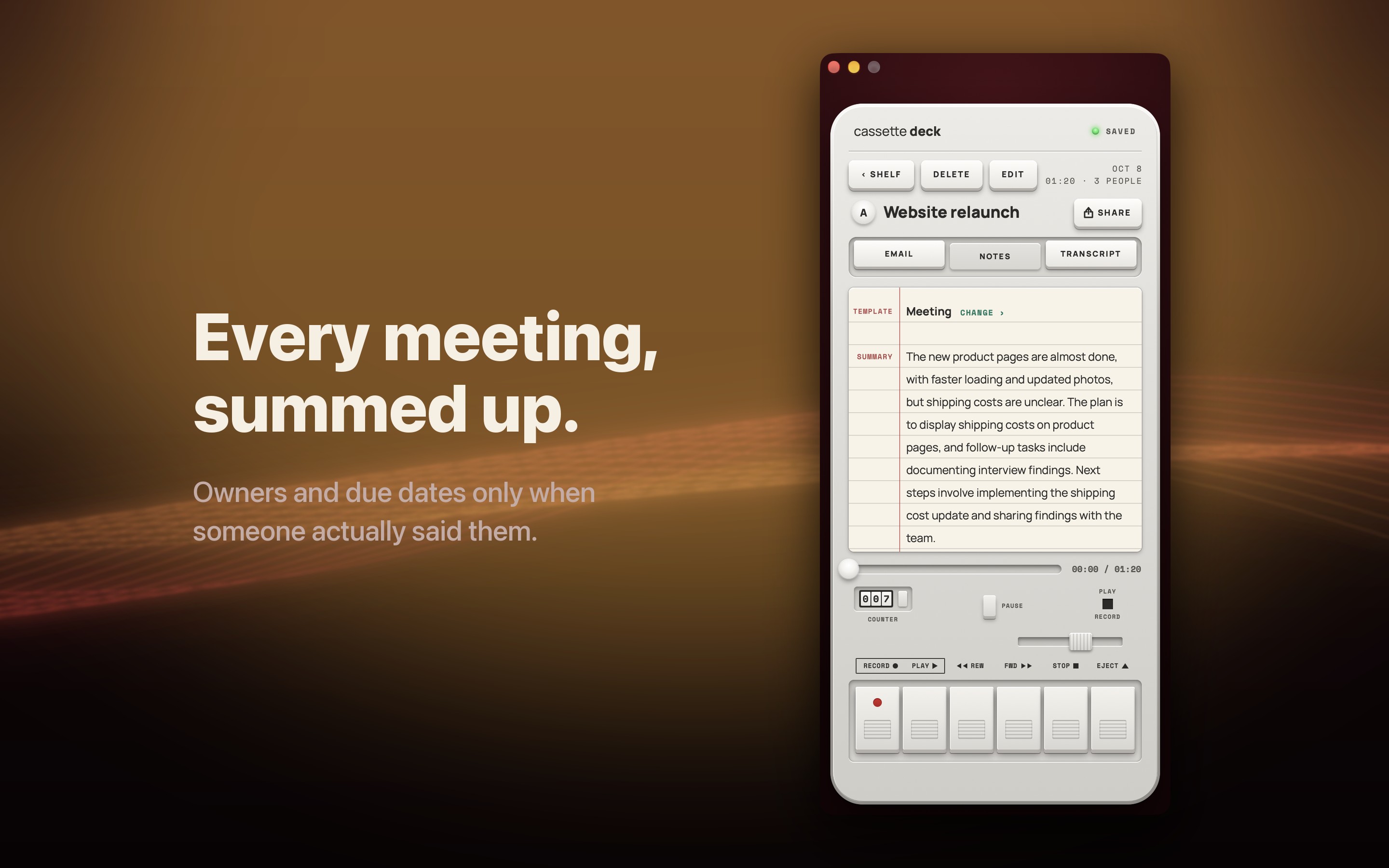
- Notes with a summary, highlights led by the moments marked while recording, and action items with owners and due dates
- A follow-up email draft for every tape, plus copy, PDF and Word export
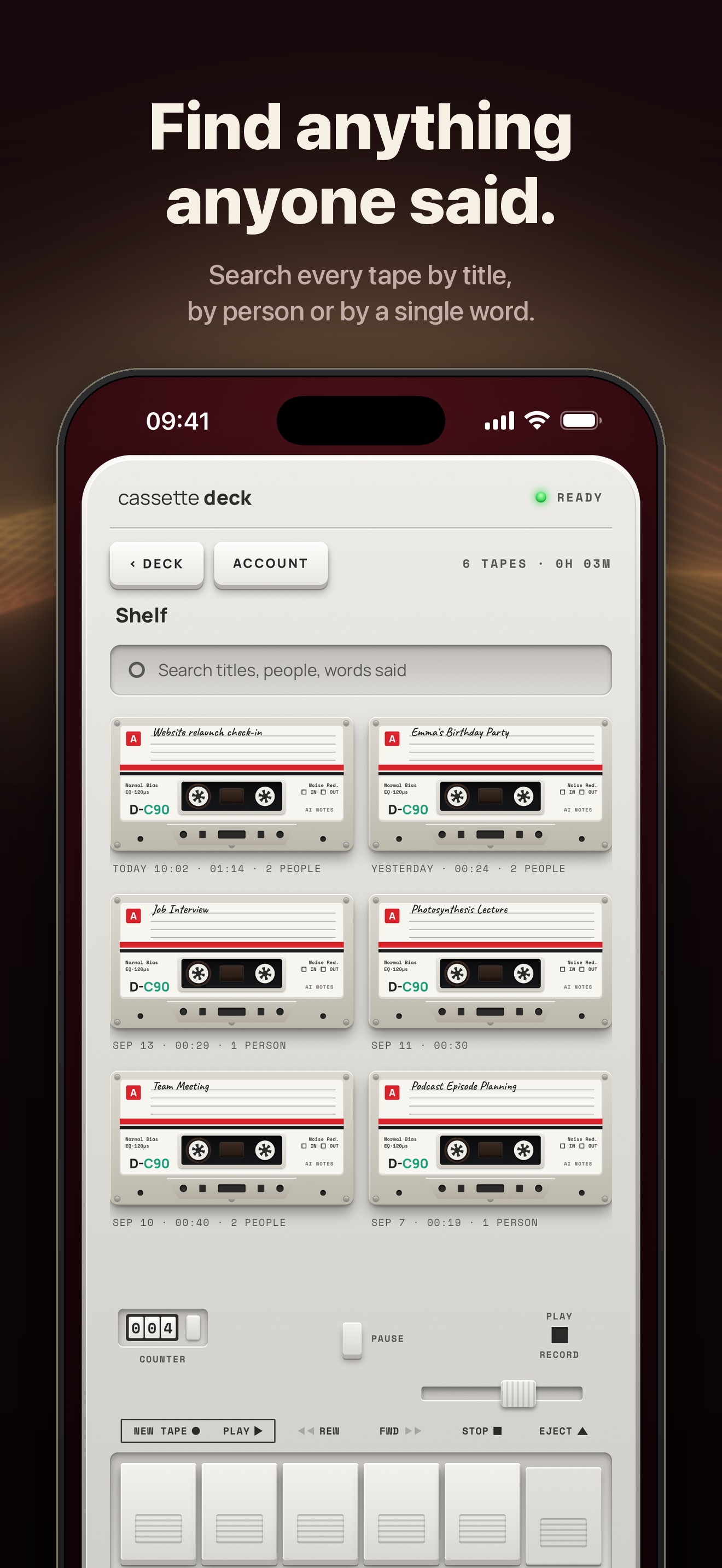
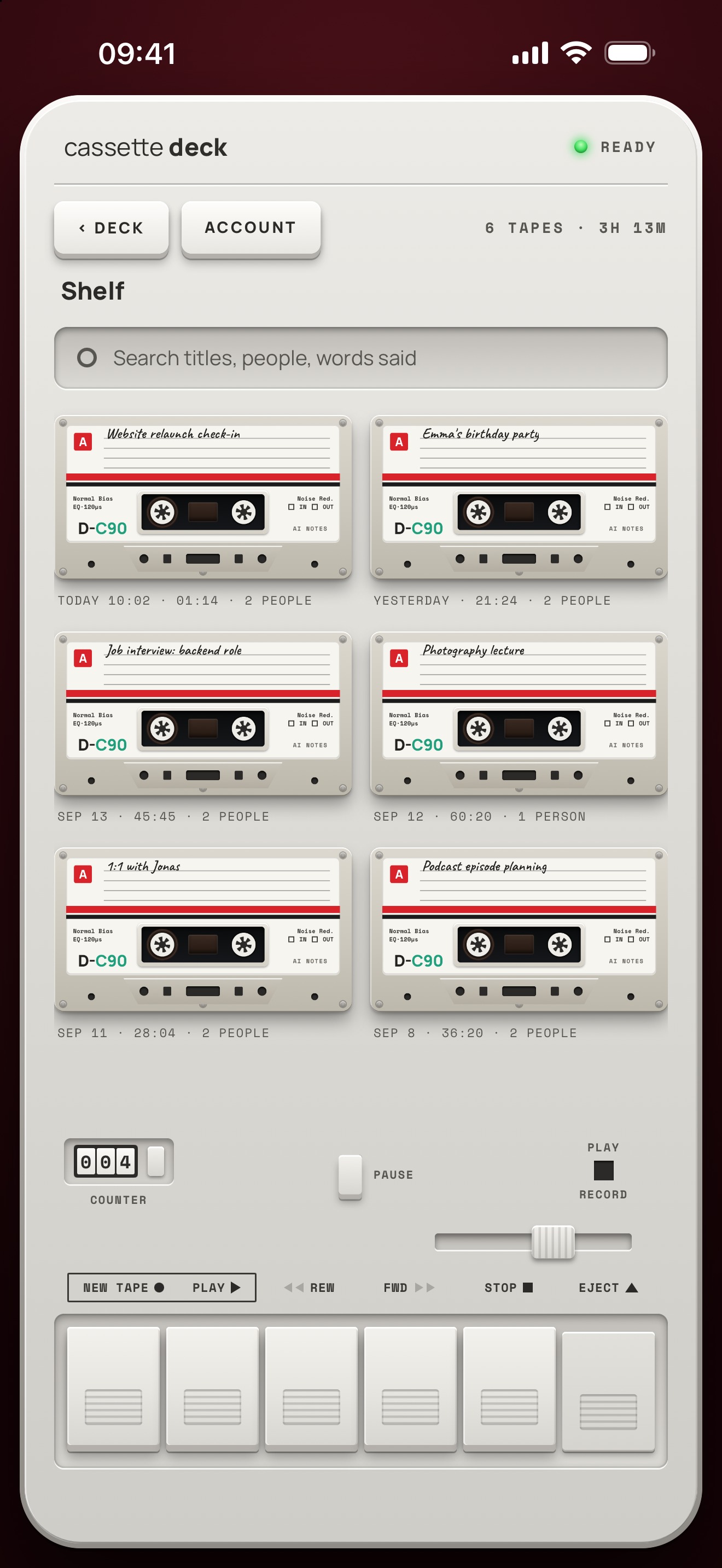
- A shelf of tapes, searchable by title, by the people in them or by any word that was said
- Playback from half speed to double speed
- Start a tape with one tap from a Home Screen or Lock Screen widget, or from a Record button in Control Center, on the Lock Screen or on the Action button (iOS 18 or later), without opening the app
- The recording shows in the Dynamic Island, where it can be paused or marked
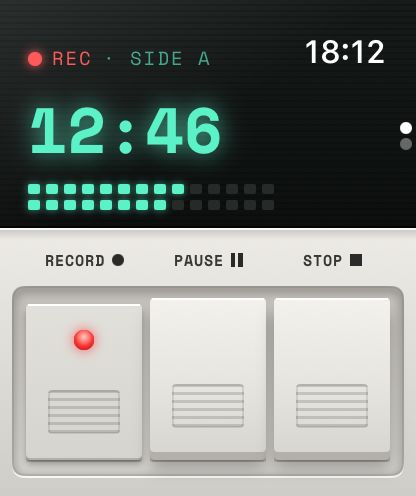
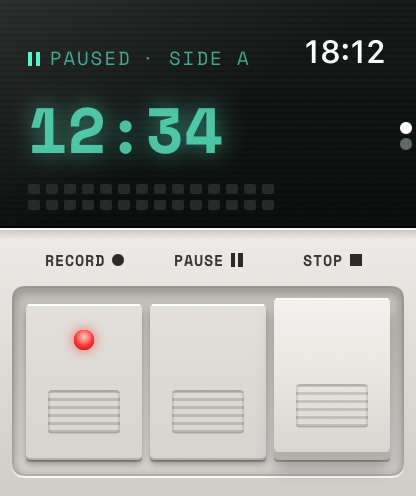
- An Apple Watch app records with the watch's microphone, with pause and stop, and sends each tape to the iPhone for its transcript and notes; a watch face complication or Siri starts one
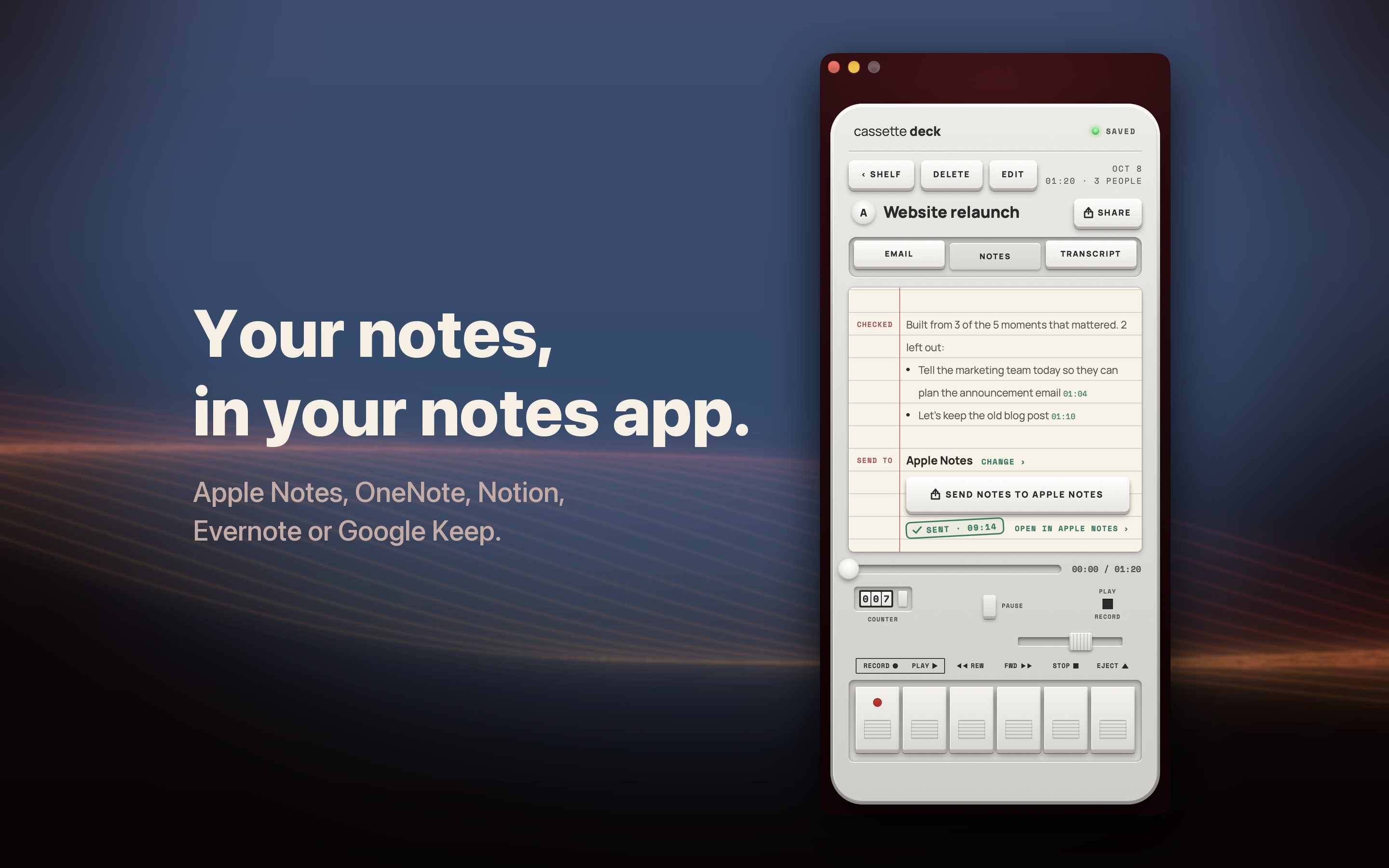
- SEND TO: one key at the end of a tape's notes or transcript sends them to Apple Notes, Microsoft OneNote, Notion, Evernote or Google Keep, organized, with the summary, decisions, action items with who and when, and key points (new in 1.0.7)
- On iOS 26 and later the transcript is written while you record, so it is ready the moment you press STOP
- Note templates, so the notes take the shape of the recording: meeting, 1:1, lecture, interview, client call, doctor's visit, brainstorm or voice note
- Speakers are told apart on the device and get their names when people say them aloud; otherwise they are Speaker 1, Speaker 2, and any name can be changed from the transcript
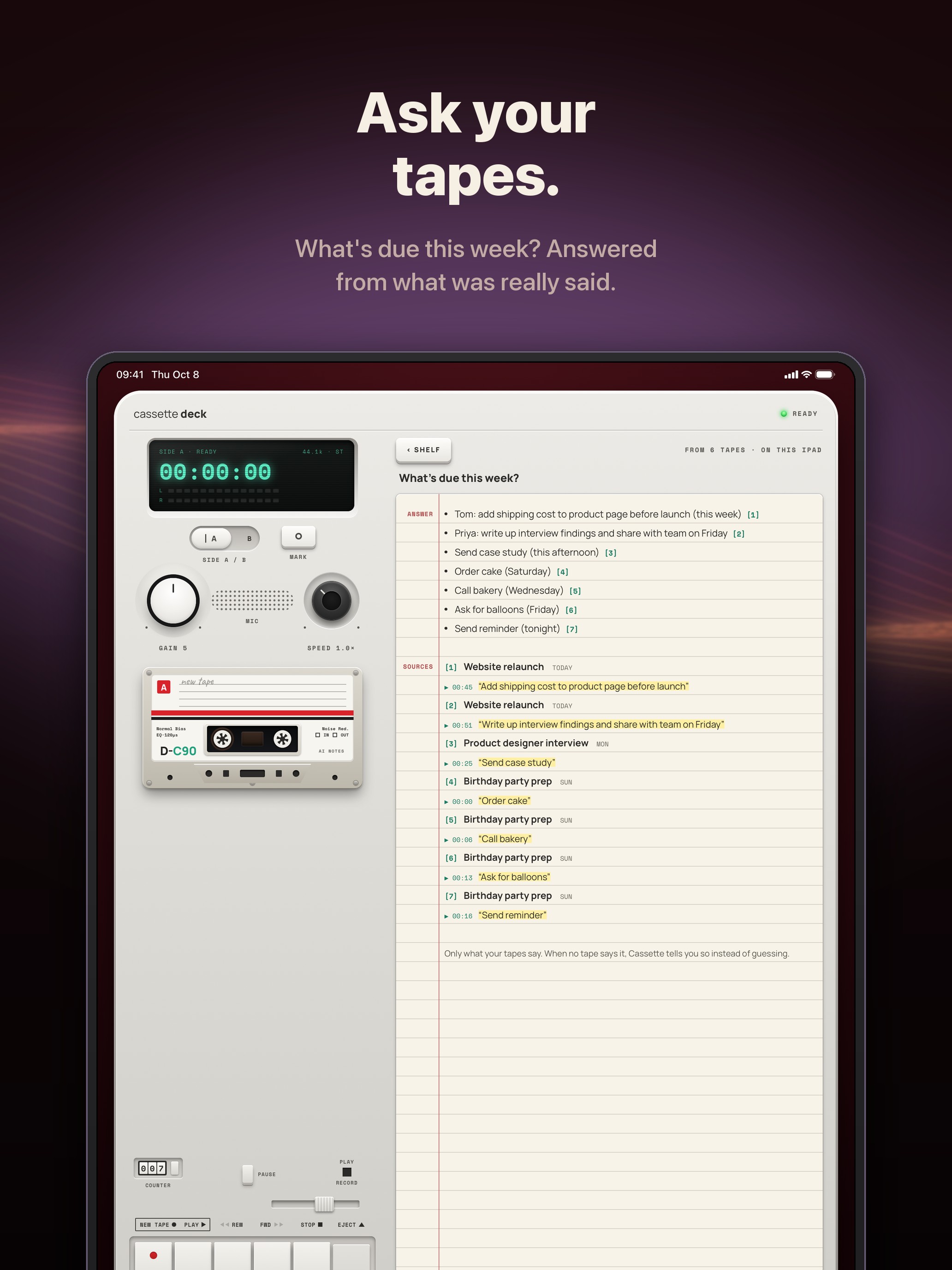
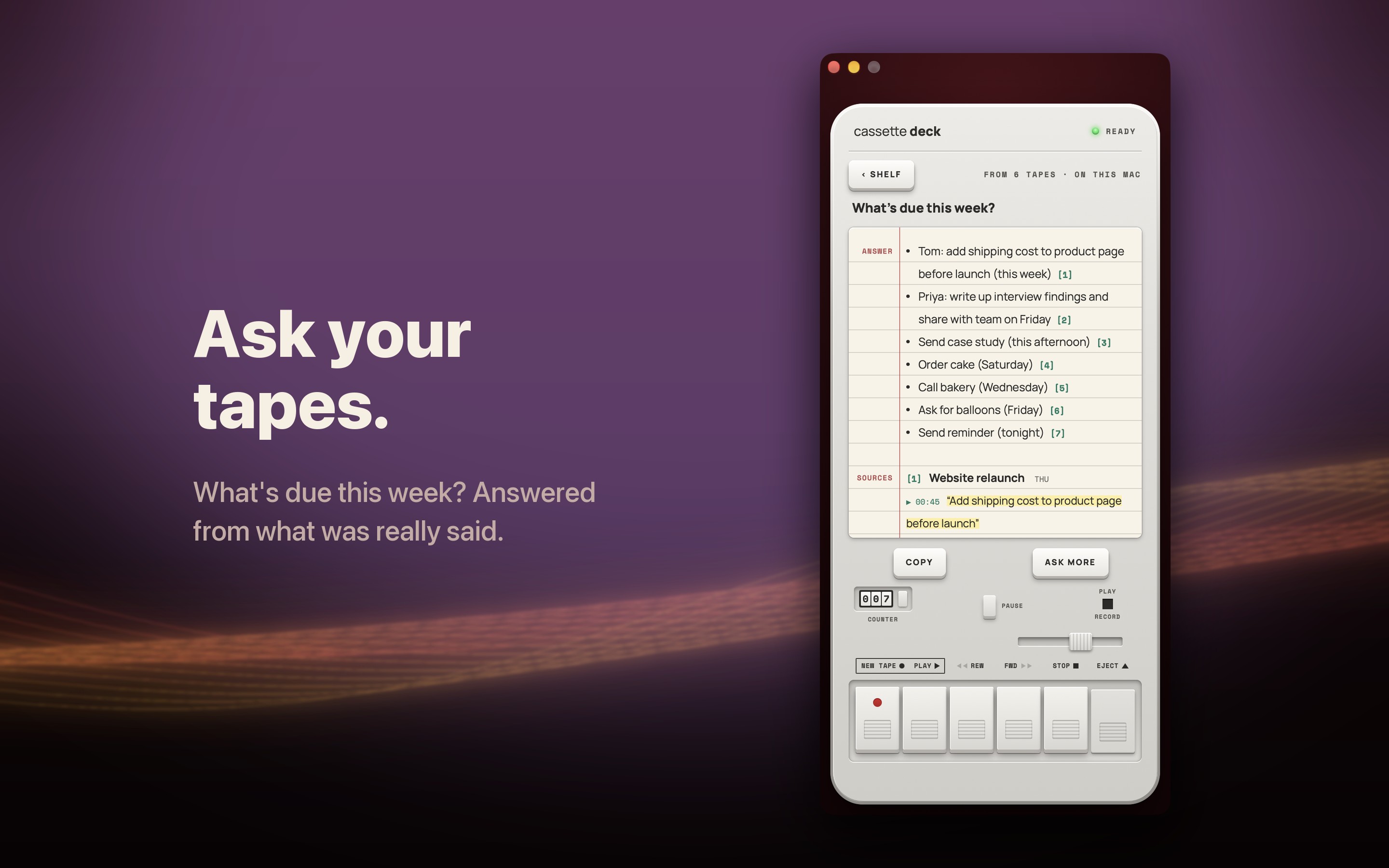
- Ask your tapes: a question asked across every tape, answered from what was really said, each line pointing at its moment
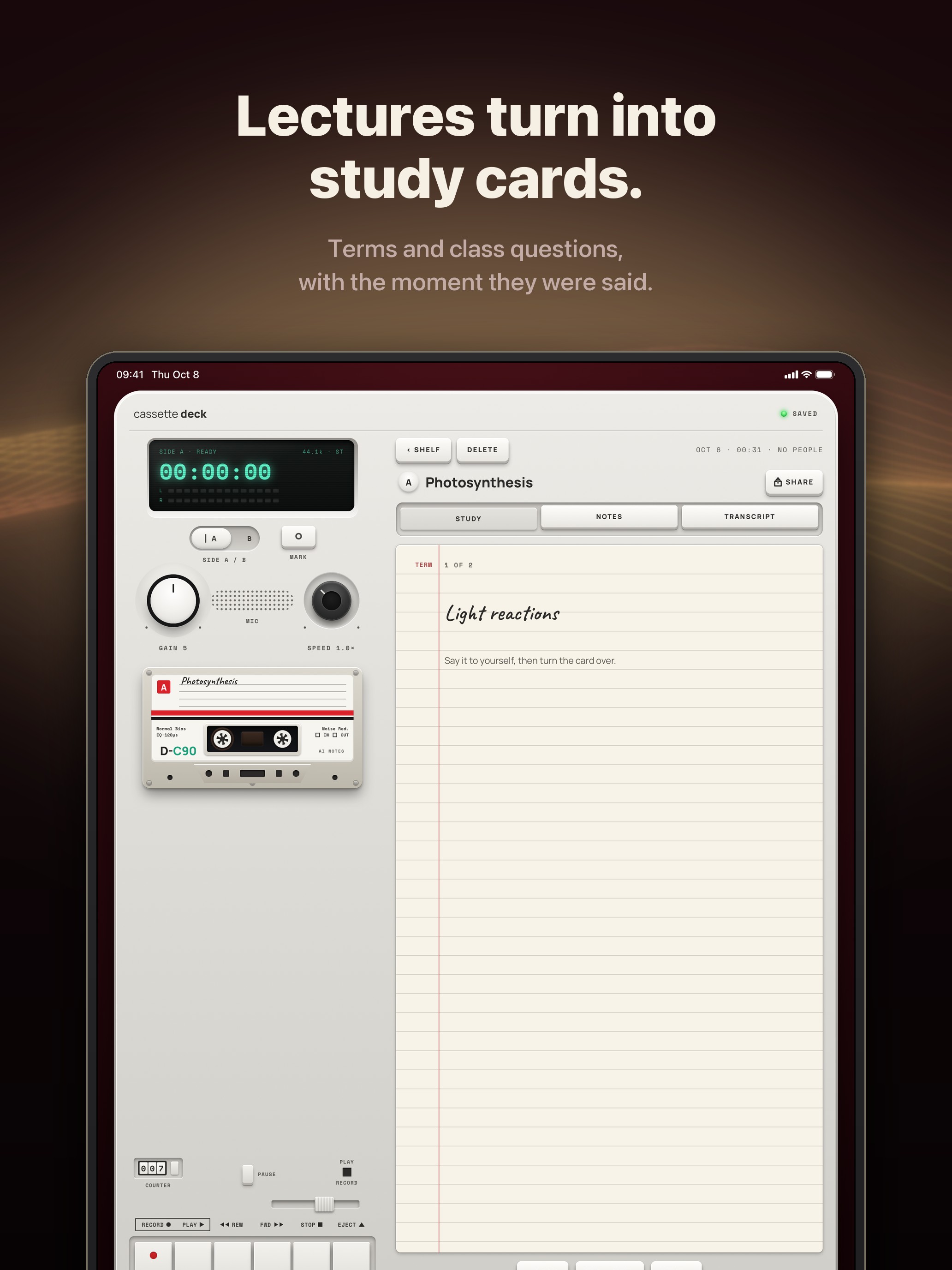
- Study cards from lectures: terms and class questions, with the moment they were said
- On-device only: one switch, and recordings, transcripts and notes never leave the device
- Notes save as Markdown in Files, Cassette works with Shortcuts and Siri, and every tape exports at once
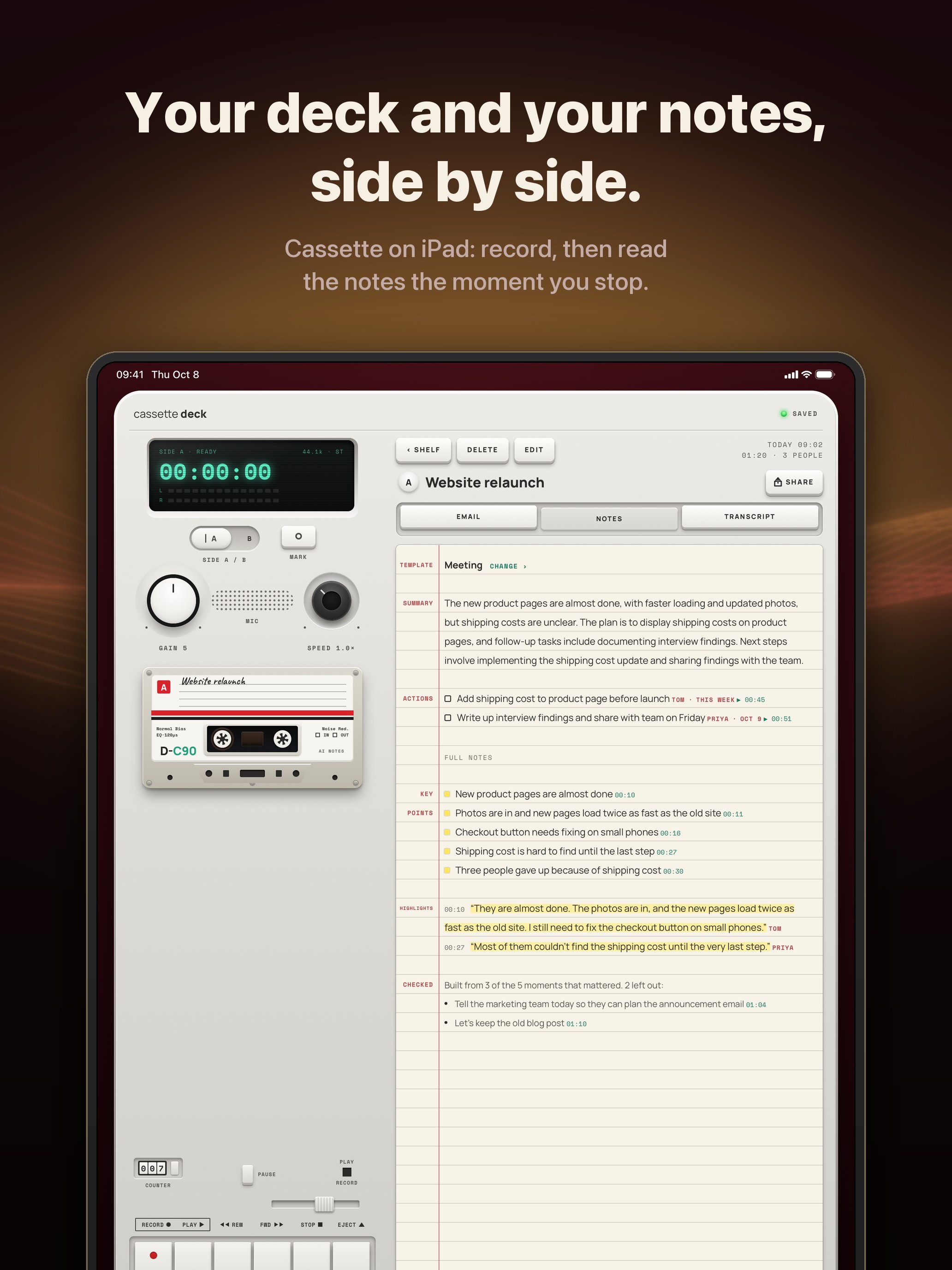
- On iPad, the notes open beside the deck
- On the Mac, Cassette records a video call (Zoom, Meet or Teams) from what the Mac plays plus the microphone, with nothing joining the call; macOS 15.2 or later, no picture kept
- Optional account with Sign in with Apple, Google or email; backup with Premium; delete a tape or the whole account inside the app
Positioning notes for writers
Transcripts are machine-written and can contain mistakes, especially with poor audio or people talking over each other, and the notes are only as good as the transcript under them. The company would rather that be said plainly than have Cassette described as a perfect record of a meeting.
Screenshots
Click any image for the full resolution file (1320 by 2868 for iPhone, 2064 by 2752 for iPad, 2880 by 1800 for Mac). Free to use in coverage of Cassette.
App Store screenshots
Plain screens
iPad screens
The App Store cards for iPad, 2064 by 2752.
Mac screens
The App Store cards for Mac, 2880 by 1800.
Apple Watch screens
From Apple Watch Series 10 (46 mm), 416 by 496 PNG.
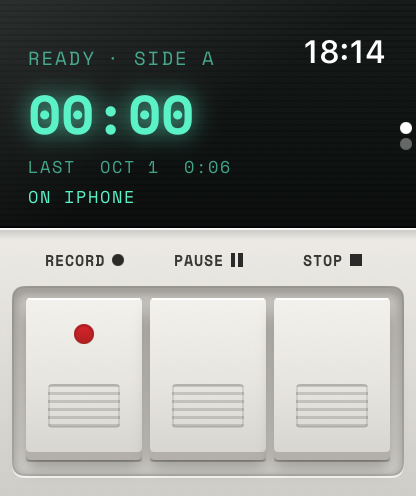
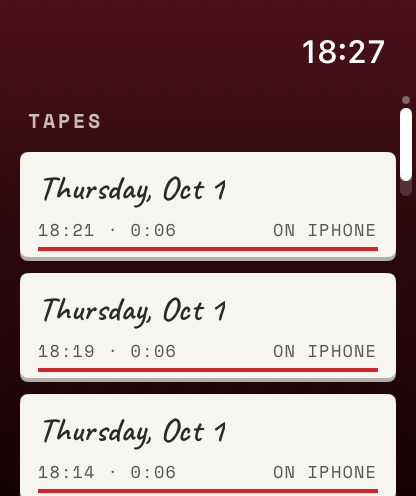
The meetings shown are samples written for these screenshots.
App icon
Download the app icon (1024 by 1024 PNG). Please show it as it is, without recolouring or cropping.
Boilerplate
Cassette is a cassette deck for iPhone that records meetings, lectures, interviews and voice memos, then writes the transcript, a summary, the highlights, the action items and a follow-up email, never with an outside AI service. Recording is free and unlimited, with no minute meter. Cassette is A One Life Product, built by an independent studio, for iPhone, iPad, Apple Watch and Mac on the App Store, and for Android on Google Play.
For readers
Readers can try Premium for 99 cents for the first month with the code CASSETTE (new subscribers; then $5.99 a month, cancel any time; US prices). Redeem it at apps.apple.com/redeem, then open Cassette once.
Contact
Press enquiries, interviews and Premium access for review: hello@onelifeco.app.